Non-login User
Although Topic Master is designed with access control in mind, it can also be used without requiring user authentication. This enables small teams to quickly set up and utilize various features without configuring user access management. However, any features that require user login will not be available in this mode.
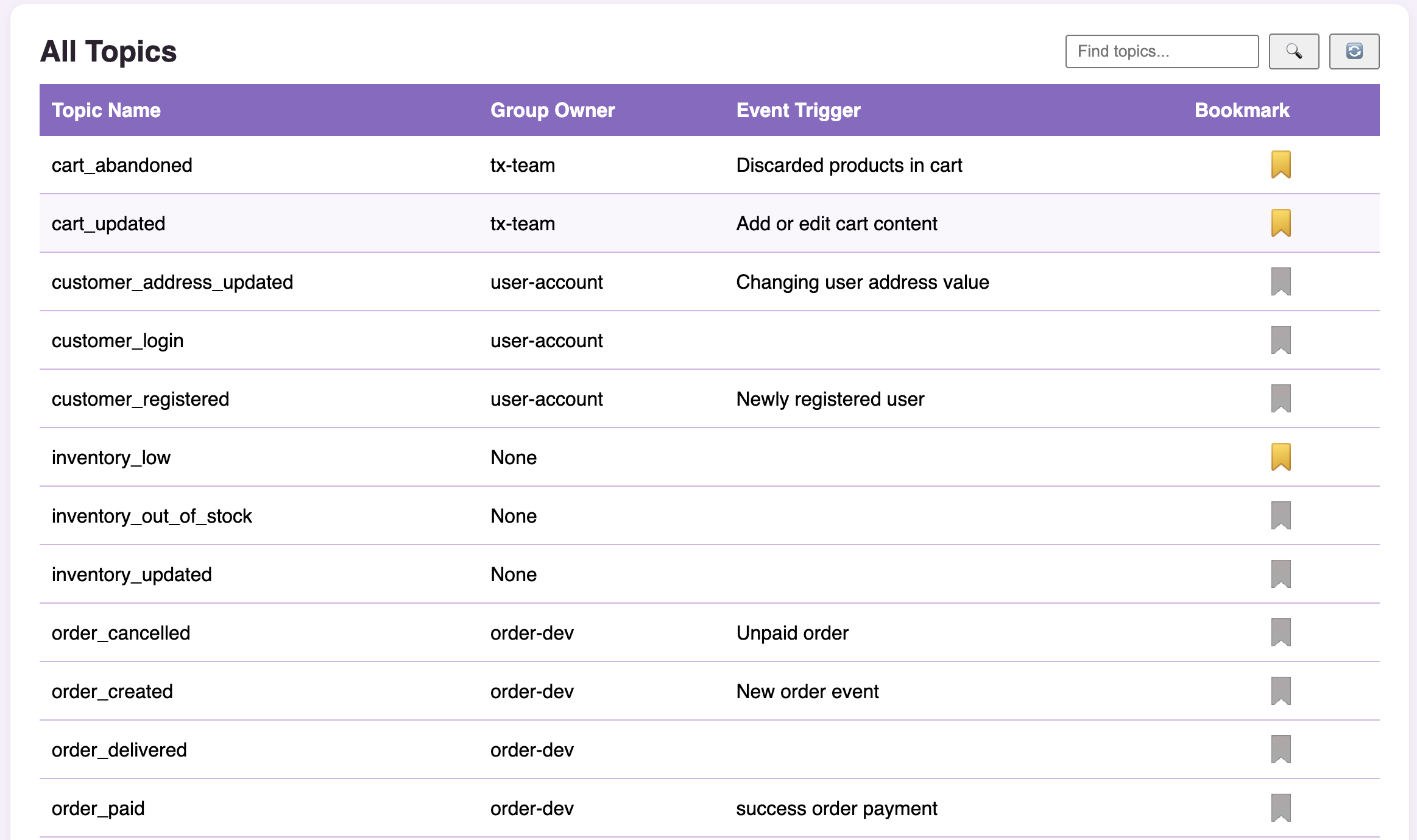
All Topics
In this menu, users can view all synchronized topics. By clicking on a topic, users are taken to the topic detail page. Here, all available actions can be performed as long as the entity is not owned by a specific group (indicated by Group owner: None).
Detail Topics
On the topic detail page, users can view comprehensive information about the topic as well as a list of its channels. If they have the necessary permissions, users can also manage the topic and its channels directly from this page.
Signup
Non-logged-in users can sign up by clicking the login/signup button. Users should select the group they wish to join. These group options must be set up in advance by the root user—contact your administrator if your group is not listed.
After submitting a signup request, users can share the application URL with an assignee to expedite the approval process. Alternatively, assignees can access signup applications from the ticket page. By default, all users in the root group and the admin of the selected group are assigned to approve signup applications.